BoneBox Engine Controls
Every important hotkey — plus practical tips for hub, driving, and ragdoll chaos.
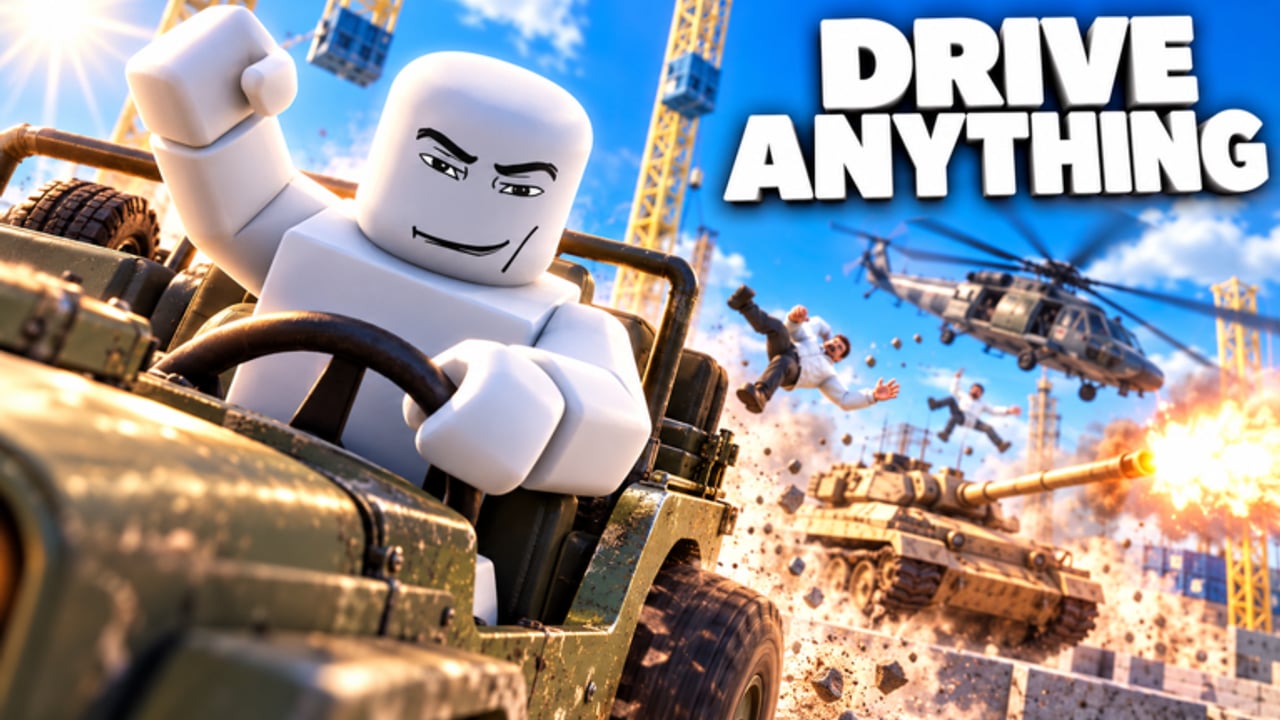
Mastering BoneBox Engine controls is the difference between fumbling in the hub and instantly swapping from Grab to Guns to Spawner mid-fight. This page documents the core bindings used in [T-REX] BoneBox Engine by SW33R Game Studio, explains when each slot matters, and adds practical tips for driving, camera work, UI toggling, and code redeem aiming. Pair it with Getting Started for a first-session plan and Unlock Weapons & Toys so new unlocks land on the right hotkey habits.
Press K in-game anytime you forget a binding. This wiki page expands that legend with context the overlay cannot give.
Core combat and tool hotkeys
| Key | Mode | What it is for |
|---|---|---|
| 1 | Grab | Pick up and manipulate props, bodies, and interactables |
| 2 | Fists | Unarmed ragdoll brawling; always available fallback |
| 3 | Guns | Firearms loadout — primary for hub board shots and ranged kills |
| 4 | Spawner | Quick access path into spawning flow (use with TAB menu) |
| 5 | Melee | Close-range weapons for Maze hallways and panic situations |
| 6 | Throwables | Grenades and tossed explosives for soft destruction |
Treat 1–6 like a weapon wheel you never open. In a 16-player server, swapping with number keys is faster than hunting UI buttons while a tank rolls through City.
Grab (1)
Grab is your physics hand. Use it to reposition props before welding, to drag ragdolls into balloon lifts, or to tidy a Baseplate experiment. Grab also helps when you need precise placement for C4 or rope anchors described in Sandbox Tools.
Fists (2)
Fists teach ragdoll timing without ammo pressure. Great for playground slapstick and for confirming that full NPC ragdoll is working when you test a new session. Do not rely on fists alone once guns unlock—kills come faster with 3 and 5.
Guns (3)
Guns are mandatory for the unusual code redeem flow: you must shoot the white TAP HERE box and the green REDEEM button on the FREE CODES board. Outside the hub, guns are your default kill farmer for ranks. Keep at least one reliable firearm favored so you are never stuck empty when a map loads.
Spawner (4) and TAB menu
4 leans into spawn workflows; TAB opens the fuller spawn menu where the 100+ toys, weapons, and vehicles live—tanks, jeeps, helicopters, RPGs, Freeze Ray, Flamethrower, Laser Eyes, Jetpack, balloons, rockets, welds, ropes, C4, grow and shrink, and more. New players should open TAB every time they gain a chunk of kills so they notice fresh unlocks instead of playing with a stale loadout.
Melee (5) and Throwables (6)
Melee dominates tight Maze corridors and sudden close collisions on Rooftops. Throwables soft-open walls and groups before you commit a tank shell or C4 brick. Cycle 5 and 6 during map wipes so you are not a pure hitscan bot—BoneBox Engine rewards variety and spectacle.
Movement, camera, and UI keys
| Key | Action | Tips |
|---|---|---|
| TAB | Spawn menu | Recheck after codes or rank-ups |
| G | Drive | Enter vehicle drive mode; practice on jeeps before tanks/helis |
| V | Third person | Better for driving, hub board aiming, and cinematic clips |
| P | Hide UI | Clean screenshots; sometimes clearer sight picture |
| K | All keys | In-game legend — mash when you blank |
Driving with G
Press G when you are in position to drive a spawned jeep, tank, or helicopter. Learn jeep handling on Baseplate or open City streets before you lift off in a helicopter over Rooftops. Vehicle kills still feed the same progression system, so driving is not “off-meta”—it is content.
Camera with V
Third person (V) helps you judge ragdoll launches, balloon heights, and rocket trajectories. First person can feel precise for guns; third person wins for vehicles and sandbox building. Toggle freely; there is no penalty.
Hide UI with P
P is underrated. Hide UI when recording clips, lining up a Freeze Ray shot through clutter, or reading the FREE CODES board under overlapping billboards. Press P again to restore prompts when you need feedback text after redeeming.
Practical control scenarios
Redeeming codes
- Equip Guns (3)
- Optionally toggle V for a clearer angle
- Shoot white box → type code → shoot green REDEEM
- Use P if UI covers the board
Details: How to Redeem Codes and the live list on Codes Hub.
First City wipe
- TAB → spawn gun + RPG/throwables + optional tank
- 3 for infantry clears, 6 for clusters, G when you enter the tank
- Swap to 5 if someone closes distance in rubble
Map ideas: Maps & Destruction.
Sandbox build on Baseplate
- 4/TAB for welds, ropes, rockets, balloons
- 1 Grab to place parts
- V to inspect structure scale
- P when filming the launch
Tool theory: Sandbox Tools.
Mobile and accessibility notes
Touch controls map to the same actions through Roblox’s on-screen buttons. Number-row muscle memory becomes tap muscle memory—practice the same order: Grab, Fists, Guns, Spawner, Melee, Throwables. When typing codes, shoot white first, enter text carefully, then shoot REDEEM. If aim assist feels loose on the hub board, walk closer and use third person.
Habits that separate chaotic fun from frustration
- Rebound mentally after every unlock: “Which hotkey owns this toy?”
- Do not leave TAB unopened for an entire session—missed unlocks feel like the game is empty
- Keep Guns (3) ready in the hub even during social standing-around time
- Use K without ego; the overlay exists so you can stay in flow
- Cross-train driving (G) early so helicopters are not your first vehicle ever
Related guides
- Getting Started — hour-one route using these keys
- Unlock Weapons & Toys — what those hotkeys eventually hold
- Sandbox Tools — non-gun tools in depth
- Maps & Destruction — where each control style shines
- Guides Hub — full tutorial index
Learn 1–6, TAB, G, V, P, and K, and BoneBox Engine stops feeling like a pile of menus. It becomes a physics instrument you can play at full volume.
Frequently Asked Questions
Quick answers about codes, controls, unlocks, and the BoneBox Engine sandbox.
What are the BoneBox Engine hotkeys?
1 Grab, 2 Fists, 3 Guns, 4 Spawner, 5 Melee, 6 Throwables, TAB spawn menu, G Drive, V third person, P hide UI, and K all keys.
How do I open the spawn menu?
Press TAB to open the spawn menu and browse unlockable weapons, vehicles, and sandbox tools. Spawner (4) supports spawn workflows.
How do I drive vehicles?
Spawn a jeep, tank, or helicopter from the menu, get in position, and press G to drive. Practice jeeps before helicopters.
Which key do I need to redeem codes?
Use Guns (3) to shoot the white TAP HERE box and the green REDEEM button on the FREE CODES hub board.
How can I hide the UI for clips?
Press P to hide UI, V to adjust camera, then P again when you need prompts back.